PSER Portal Registration
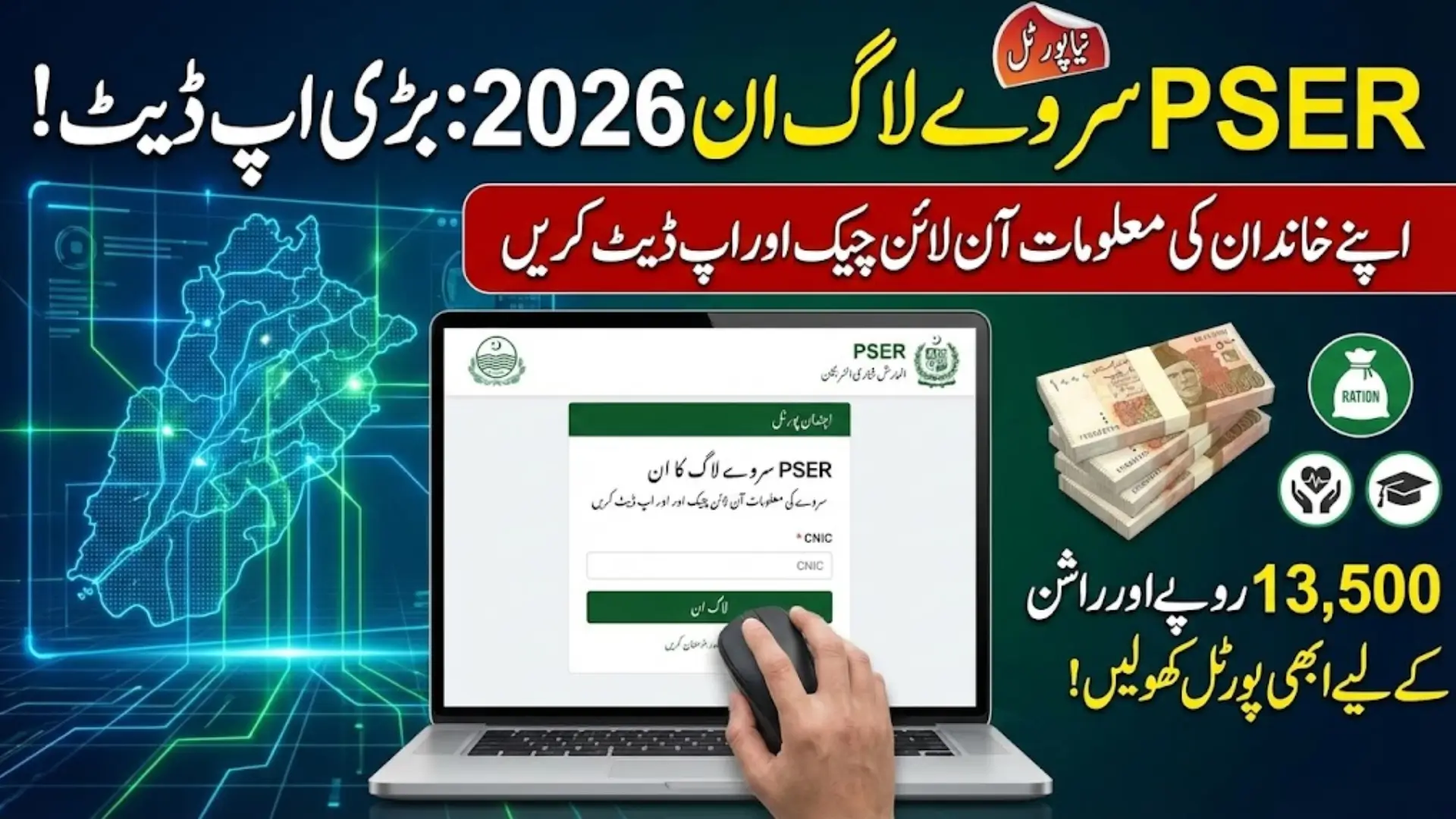
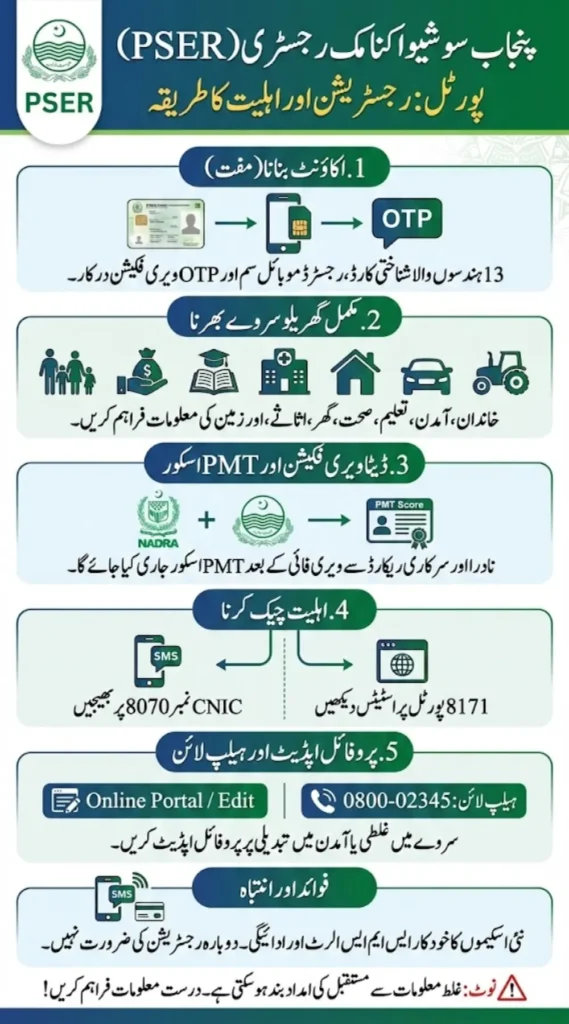
Creating your account on the PSER portal is now essential if you want to qualify for Punjab government welfare schemes like Ramzan relief, ration cards, or farmer support programs. Registration is completely free and requires your CNIC, a mobile number registered on your own CNIC, and OTP verification.
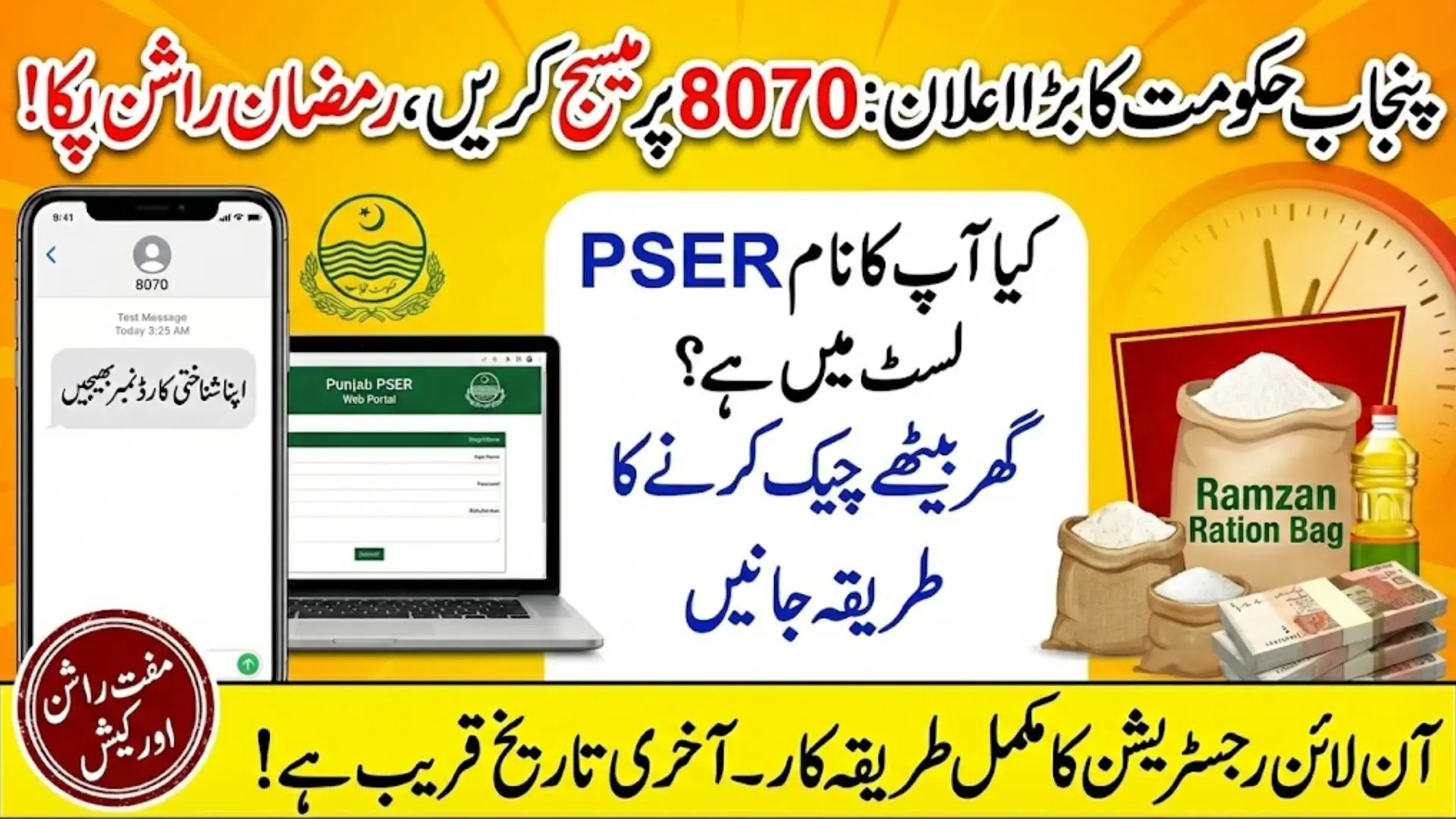
After login, you must carefully complete the household survey including income, education, health, assets, and land details. Your information is verified through NADRA and a PMT score is generated, which decides eligibility. You can check status via SMS 8070 or 8171. Keeping your profile updated increases your chances of receiving future financial assistance.

What is PSER & Why It Matters?
The Punjab Social Protection Authority manages PSER to identify deserving families across Punjab. Your survey data decides:
- Whether you qualify for Ramzan relief
- If you’re eligible for ration cards
- Your PMT score (poverty score)
- Future automatic inclusion in schemes
Important: Once your data is verified, you don’t need to apply again and again for every new scheme. That’s the real benefit.
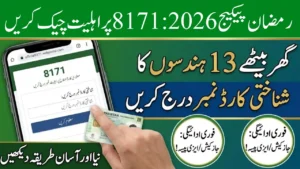
Quick Info Table
| Detail | Information |
|---|---|
| Portal Name | Punjab Socio-Economic Registry (PSER) |
| Registration Fee | 100% Free |
| Required Document | CNIC (13-digit) |
| OTP Required? | Yes |
| Eligibility Check SMS | 8070 |
| BISP Check SMS | 8171 |
| Helpline | 0800-02345 / 0800-8070 |
| Data Verified By | NADRA & Punjab Govt |
How to Create Account on PSER Portal
Creating an account is simple. Just follow this:

✅ Registration Process
- Visit the official PSER portal.
- Click on New Registration.
- Enter your 13-digit CNIC number.
- Add your mobile number (must be registered on your own CNIC).
- Create a strong password.
- Enter the OTP sent via SMS.
- Login using CNIC + password.
⚠️ Alert: If your SIM is not registered on your CNIC, OTP will not come.
PSER
After login, click “New Application” and start filling your household details carefully.
Here’s what they will ask:
🏠 Household Information
- Head of family name
- CNIC
- Family member list
- Relationship details
📚 Education & Income
- Highest education level of each member
- Monthly income details
- Nature of job (labor, business, farming, etc.)
🏥 Health Status
- Any disability
- Chronic disease details
🏡 Housing & Assets
- Own or rented house?
- Type of walls and roof
- Electricity, gas, water access
- Livestock or vehicles
🌾 Agricultural Details (If Farmer)
- Land size
- Ownership type (own / contract)
Before clicking Submit, double check everything. False information can permanently block you from future aid.
Documents You Should Keep Ready
To avoid mistakes, keep these nearby:
- Original CNICs (all adults)
- B-Form for children
- Latest electricity or gas bill
- Land/property papers (if any)
- Bank account details (if available)
How to Check Your Eligibility Status
After submitting survey, don’t just wait blindly. Check status through:
📱 SMS Method (Fastest Way)
- Send your CNIC (without dashes) to 8070
- You’ll receive eligibility reply
🌐 Online Method
- Login to PSER portal
- Check your PMT score & profile status
🏦 BISP Portal Check
You can also verify through the Benazir Income Support Programme portal (8171 system).
Understanding PMT Score (Very Important)
Your Proxy Means Test (PMT) Score decides your poverty category.
| PMT Score | Meaning |
|---|---|
| 0 – 20 | Extremely poor |
| 20 – 35 | Deserving |
| 35 – 50 | Moderate |
| 50+ | Less likely eligible |
Scheme Cut-Off Examples
- Ramzan Relief: Usually below 30–35
- Ration Card: Below 35
- BISP Kafaalat: Around 32 (higher for disabled families)
- Health Support Programs: Below 44
Lower score = More chance of assistance.
What Happens After Submission?
Once submitted:
- Data is verified through NADRA.
- Your PMT score is generated.
- Information is shared with Punjab departments.
- If eligible, you automatically receive SMS alerts for payments or card distribution.
That means future schemes can include you without fresh registration.
How to Make Changings in PSER Application
Mistake in income? Wrong mobile number? Don’t panic.
✔ Online Update
Login → Edit Profile → Save Changes.
✔ Call Helpline
- 0800-02345
- 0800-8070
✔ Visit Registration Centers
If online update is locked, visit nearest center with original documents.
- Open Monday–Saturday (8 AM – 4 PM)
- Bring CNIC & updated documents
Important Warnings (Read Carefully)
- Registration is completely free
- Never pay agents
- Always use your own SIM
- Keep CNIC active & valid
- Respond to official SMS alerts only
Real-Life Benefit of Completing PSER
Many families missed earlier Ramzan relief just because their survey wasn’t completed. Others received direct financial help without reapplying because their PSER profile was active.
In today’s system, your PSER survey is your gateway to relief.
If your income has reduced recently, updating your profile can lower your PMT score — increasing your chances for upcoming packages.

Final Words
Schemes open and close quickly. Payments are released district-wise. SMS alerts come without warning. If your PSER account is incomplete, you are already late.
Create your account. Complete your survey honestly. Verify your details. Because when relief starts, only verified families receive the benefit.